My First Steps into BigQuery ML
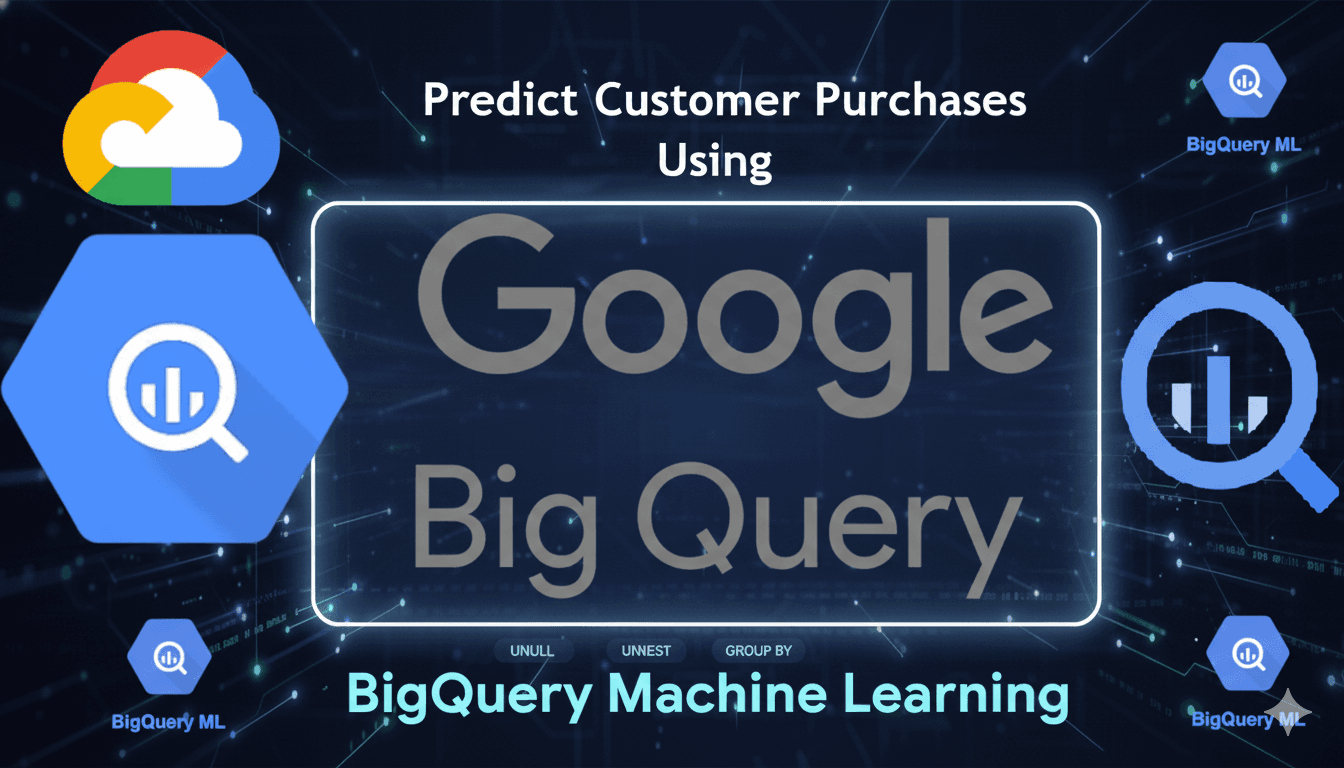
I spent yesterday learning BigQuery ML, and honestly? I'm still buzzing from it. Not because it was easy (it wasn't), but because for the first time, machine learning felt... achievable. Let me walk you through what I learnt, where I stumbled, and what finally clicked.
The Starting Point: "What Even Is This?"
I opened BigQuery with one goal: learn ML. I'd heard people throw around terms like "machine learning models" and "predictive analytics" for ages, and I always nodded along pretending I got it. Today, I decided to actually understand it.
The first thing I learnt? Machine learning isn't magic. It's pattern recognition. That's it. You show a computer loads of examples, and it figures out the patterns. Then when you give it new data, it uses those patterns to make predictions.
Think of it like this: If I showed you 1,000 photos of my campus and told you which ones were taken during exam season (empty library, stressed faces, Red Bull cans everywhere) versus holiday season (packed social spaces, smiling faces, general chaos), you'd eventually spot the patterns. You could then look at a new photo and guess when it was taken. That's basically what ML does, just with numbers instead of photos.
The Three Types of ML I Covered
1. Regression: Predicting Numbers
This is when you want to predict an actual number. How much will this house cost? How long will this taxi ride take? What will the temperature be tomorrow?
I practised with NYC taxi data, trying to predict trip duration. The model looked at things like:
Distance of the trip
Time of day
Day of the week
Pickup and dropoff locations
And from all that, it predicted: "This trip will probably take 847 seconds."
Where I messed up: At first, I didn't clean the data properly. I had trips that supposedly took 4 minutes but covered 0 miles. Rubbish data = rubbish predictions. Lesson learnt: Always check your data makes sense before training anything.
2. Classification: Putting Things in Boxes
This is when you want to categorise something. Will this customer buy again? (Yes/No) Is this email spam? (Yes/No) What type of product is this? (Electronics/Clothing/Food)
I worked with e-commerce data, trying to predict: "Will this visitor return and make a purchase?" The model looked at their first visit:
Did they bounce immediately?
How long did they stay?
How many pages did they view?
Where did they come from? (Google, Facebook, direct link)
What device were they on?
Then it predicted: "This person has an 85% chance of buying when they come back."
Where I messed up: I initially trained and tested on the same data. It's like studying for an exam using the exact questions that'll be on the paper—of course you'll do well, but you haven't actually learnt anything. You need separate data for training and testing.
3. Clustering: Finding Hidden Groups
This is different. You're not predicting anything. You're asking: "What natural groups exist in my data?"
Imagine you have data on 10,000 customers but no labels. Clustering looks at their behaviour and says: "I've found 5 distinct groups":
Budget shoppers who only buy during sales
Premium customers who buy expensive items regularly
Window shoppers who browse but rarely purchase
Loyal mid-tier customers
Brand new explorers still figuring things out
Nobody told the model these groups existed. It discovered them by finding similar patterns.
The SQL Parts That Confused Me
I thought I knew SQL. Turns out, I knew basic SQL. BigQuery ML threw some curveballs.
UNNEST: The Array Flattener
This one broke my brain initially. The Google Analytics data was nested—like a box inside a box inside another box. Each website session contained multiple "hits" (page views), and each hit contained multiple products.
FROM table,
UNNEST(hits) AS h,
UNNEST(h.product) AS p
What this does: It takes all those nested boxes and lays everything out flat so you can actually work with it. Session → hits → products becomes individual rows you can query.
Analogy: Imagine you have a filing cabinet (session) with folders (hits) that contain documents (products). UNNEST takes all the documents out and spreads them on your desk so you can see everything at once.
GROUP BY: The "You Must Include Everything" Rule
This rule annoyed me until I understood it. Here's the thing:
If you're using aggregate functions like SUM() or COUNT(), SQL needs to know: "Sum WHAT together?"
SELECT
  product_name,           -- Not aggregated
  SUM(quantity)           -- Aggregated
FROM table
SQL says: "You're summing quantities into ONE number, but showing multiple product names? Which name goes with the total? I'm confused!"
You need GROUP BY:
SELECT
  product_name,
  SUM(quantity)
FROM table
GROUP BY product_name    -- Now I know: sum quantities for EACH product
My mistake: I kept forgetting to include columns in GROUP BY and got errors like "expression references column which is neither grouped nor aggregated." Now I get it—every column that's not in a SUM/COUNT/AVG/etc. must be in GROUP BY.
IF and CASE: Making Decisions in SQL
These let you add logic to your queries.
IF is simple: "If this is true, do this, otherwise do that"
IF(count > 0, 1, 0)
-- If count is greater than 0, return 1, otherwise return 0
CASE is like multiple IF statements:
CASE
  WHEN score > 90 THEN 'Excellent'
  WHEN score > 70 THEN 'Good'
  WHEN score > 50 THEN 'Average'
  ELSE 'Needs work'
END
Where I got confused: In one query, I saw > 0, 1, 0 and thought there were three zeros doing the same thing. Took me ages to realise:
First
0is checking if something is greater than zero (part of the question)Second number
1is what to return if trueThird number
0is what to return if false
Three different jobs, just unlucky they were all zeros!
The Complete Workflow: What Actually Happens
Here's what I learnt the ML process actually looks like:
Step 1: Explore Your Data
Look at what you've got. Check for weird values. Understand what each column means.
SELECT * FROM table LIMIT 10;
Simple, but essential.
Step 2: Clean Your Data
Remove the rubbish. Filter out impossible values.
My data had:
Taxi trips with zero distance (how?)
Negative durations (time travel?)
Trips over 100 miles (from NYC to where??)
All had to go.
Step 3: Create Features
This is where you get creative. Take raw data and turn it into useful information.
Instead of just storing pickup_datetime, I extracted:
Hour of day (rush hour vs quiet time)
Day of week (weekday vs weekend)
These features help the model spot patterns.
Step 4: Split Your Data
This is crucial. Split into:
Training data (60-80%): Model learns from this
Test data (20-40%): Model has never seen this—used to check if it actually works
My dates:
Training: August 2016 - April 2017
Testing: May - June 2017
Predictions: July 2017 onwards
No overlap! That's the key.
Step 5: Train the Model
CREATE OR REPLACE MODEL `project.dataset.model_name`
OPTIONS(
  model_type='logistic_reg',
  input_label_cols=['what_youre_predicting']
)
AS
SELECT * FROM training_data;
This is where the magic happens. BigQuery analyses all your training data and figures out the patterns.
Step 6: Evaluate the Model
SELECT * FROM ML.EVALUATE(MODEL model_name, (test_data));
This tells you: "How good is your model?"
For classification, you get a score called roc_auc:
0.9+ = Excellent
0.8-0.9 = Good
0.7-0.8 = Decent
0.6-0.7 = Poor
0.5 = Literally just guessing
My first model got 0.72 (decent). My improved model with more features got 0.91 (excellent!).
Step 7: Make Predictions
SELECT * FROM ML.PREDICT(MODEL model_name, (new_data));
Now you can predict on completely new data. This is where it becomes useful in the real world.
What Improved My Model
My first classification model only looked at two things:
Did they bounce?
How long did they stay?
Score: 0.72 (decent)
My second model added:
Number of pages viewed
How far they got in the shopping process (viewed products? Added to cart? Checked out?)
Where they came from (Google? Facebook? Email?)
What device they used (mobile? desktop?)
What country they were from
Score: 0.91 (excellent!)
The lesson: More relevant features = better predictions. But only relevant ones—adding their visitor ID wouldn't help because it's just a random identifier that doesn't tell you anything about behaviour.
The Metrics That Matter
For Regression (predicting numbers):
Mean Absolute Error (MAE): On average, how far off are your predictions?
My taxi model: 239 seconds (about 4 minutes)
For a taxi ride, that's pretty good
R² Score: How much of the variation does your model explain? (0 to 1)
My model: 0.72 (explains 72% of the variation)
Not perfect, but solid
For Classification (predicting categories):
ROC AUC: Overall accuracy measure (0 to 1)
Higher is better
0.91 = excellent
Precision vs Recall: Trade-offs in classification
Precision: Of the ones you predicted "yes", how many were actually "yes"?
Recall: Of all the actual "yes" cases, how many did you catch?
Where I Failed (And What I Learnt)
Failure 1: Training and Testing on the Same Data
I got amazing results! Model was perfect! Then I realised I'd basically given it the answers during the test. Rookie mistake. Always use separate time periods or random splits.
Failure 2: Not Checking Data Quality First
Garbage in, garbage out. I trained a model on data with impossible values and wondered why predictions were weird. Now I always clean first.
Failure 3: Forgetting to Handle Missing Values
SQL doesn't like NULLs. I kept getting errors until I learnt about IFNULL():
IFNULL(column_name, 0) -- If it's NULL, use 0 instead
Failure 4: Not Understanding My Own SQL
I'd copy-paste queries without understanding them. Then when something broke, I had no idea why. Typing queries out line by line (even if slower) made me actually understand what was happening.
What Finally Clicked
The moment it all made sense was when I realised: ML is just finding patterns in examples.
That's it. You're not teaching it rules. You're showing it loads of examples and letting it figure out what matters.
Lots of people who bounce don't come back? Pattern spotted.
People who view 5+ pages tend to buy? Pattern spotted.
Mobile users from social media behave differently to desktop users from Google? Pattern spotted.
The model just finds and remembers these patterns, then applies them to new data.
What's Next?
I want to try this with Kenyan data. Something relevant to home:
Predicting crop yields based on rainfall and temperature?
Classifying M-Pesa transactions as genuine or fraudulent?
Clustering Nairobi neighbourhoods by economic activity?
The possibilities are endless once you understand the basics.
Key Takeaways (For Future Me)
Clean your data first. Always. No exceptions.
Split your data properly. Train on old data, test on new data, predict on future data. Never mix them up.
Start simple, then improve. My first model had 2 features and was decent. My second had 11 features and was excellent. Build iteratively.
Understand your SQL. Type it out, don't just copy-paste. The errors you make will teach you more than getting it right the first time.
More features ≠ are always better. They need to be relevant. Adding random IDs or useless columns just confuses the model.
Model scores don't mean much without context. 0.72 might be excellent for some problems and terrible for others. Understand what you're trying to achieve.
The workflow matters more than memorising syntax. Explore → Clean → Feature Engineering → Split → Train → Evaluate → Predict → Deploy. Master this process, and you can build anything.
Resources That Helped
Google's public BigQuery datasets (perfect for practising)
The NYC taxi data (messy real-world data)
Google Analytics e-commerce data (nested data practice)
Patience (lots of it)
Trial and error (even more of it)
Final Thoughts
Machine learning felt like this huge, intimidating thing I'd never understand. Turns out, it's just SQL with some extra steps. If you can write queries, clean data, and think logically about patterns, you can do this.
Future me: When you're revising for exams and come back to this post, remember—you learnt all of this in one day. You got confused, you made mistakes, you fixed them. That's how learning works. Don't stress about not remembering everything. Just start building something, and it'll come back to you.